How to Map Team Manager/Owner to a LearnDash Group Leader
When a team is synced to a LearnDash group, you can have team managers and owners automatically become LearnDash group leaders.
Requirements
A team-synced group (see Sync a Team to a Group).
1. Configure the role mapping on the product
On the product's MemberSync tab (Product Settings), set Team Manager group role and/or Team Owner group role to Group Leader. Optionally set the demoted role a manager reverts to when they leave the team.
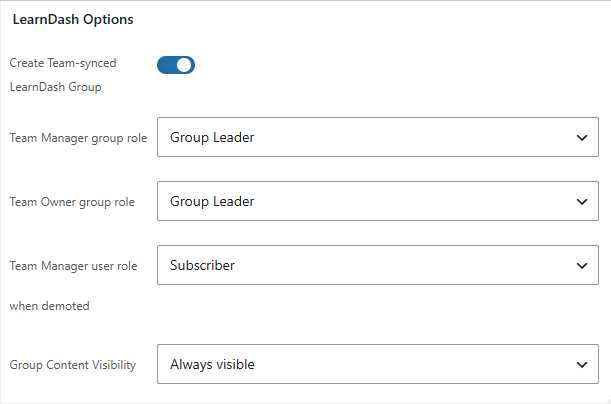
2. Assign team roles as normal
In the team, set a member as manager (or they're the owner). MemberDash adds them as a group leader of the synced group.
Result
Managers/owners gain LearnDash group-leader rights automatically. When they're demoted or removed, the leader role is removed (and they revert to the configured demoted role) — unless they still lead another group.