The Settings Page
Find MemberSync's settings under Settings > MemberSync. It has three tabs: Documentation, Settings, and Tools.
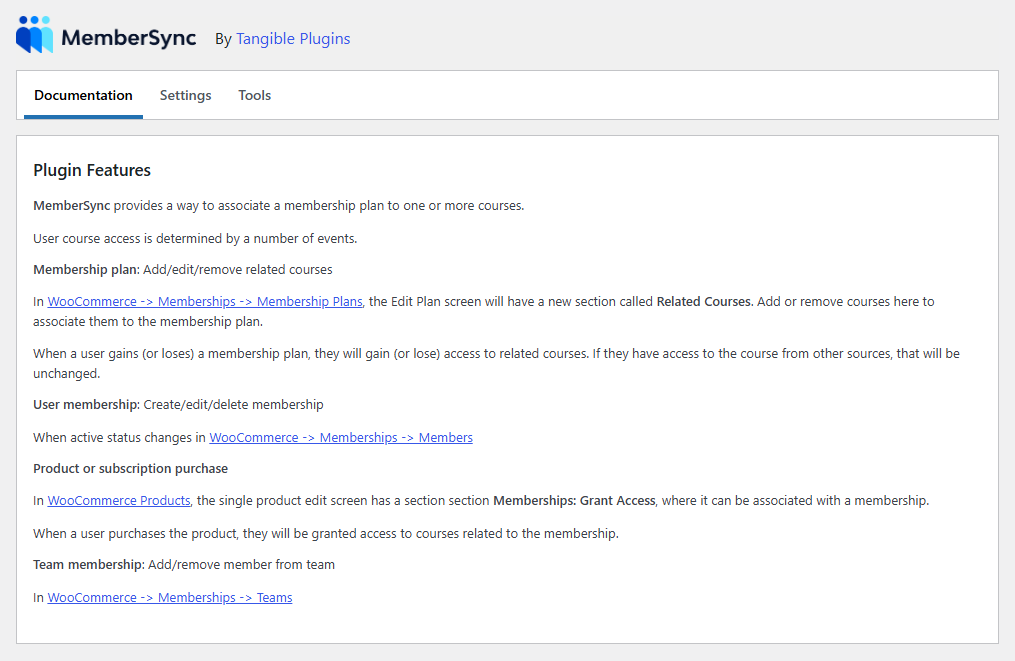
Documentation
An in-plugin overview of what MemberSync does and where its features live. It is a quick reference you can use without leaving your admin.
Settings
The plugin's options. Select Save Settings after making changes.
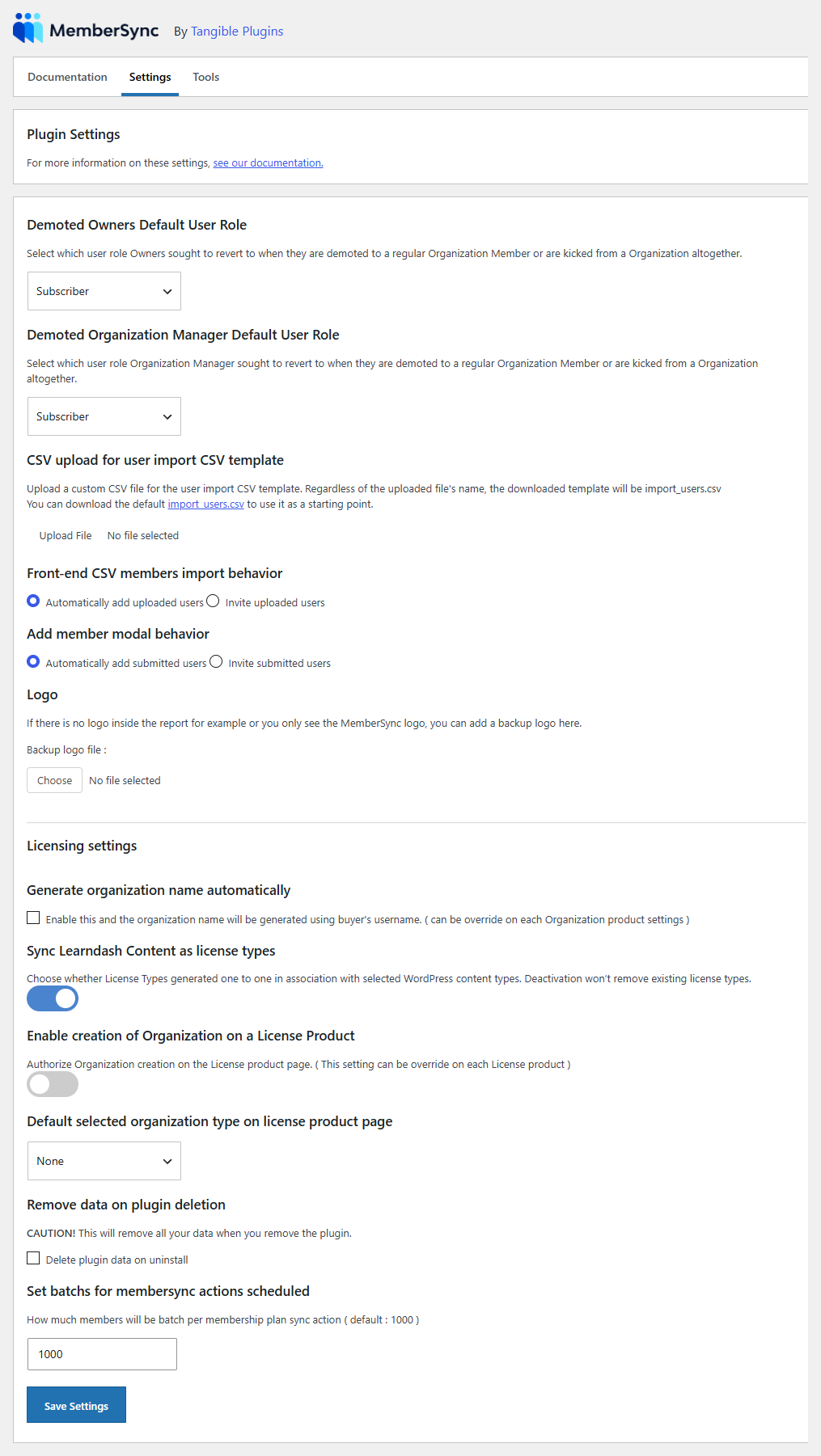
- Demoted Owners Default User Role / Demoted Organization Manager Default User Role: the WordPress role an owner or manager reverts to when they're demoted to a regular member or removed from an organization.
- CSV upload for user import CSV template: upload a custom CSV template for user imports. The downloadable template is always named
import_users.csv; a default is provided as a starting point. - Front-end CSV members import behavior: whether front-end CSV imports automatically add uploaded users or invite them.
- Add member modal behavior: whether adding a member automatically adds them or invites them.
- Logo: a backup logo used in reports when no other logo is available.
Licensing settings:
- Generate organization name automatically: name a buyer's organization from their username. Can be overridden per organization product.
- Sync LearnDash Content as license types: automatically generate a license type for each selected LearnDash content type. Turning it off doesn't remove existing license types.
- Enable creation of Organization on a License Product: allow buying a license to also create an organization. Can be overridden per license product.
- Default selected organization type on license product page: the organization type pre-selected on license products.
- Remove data on plugin deletion: when checked, MemberSync deletes all its data if you remove the plugin. Leave unchecked unless you intend a clean removal.
- Batch size for scheduled actions: how many members are processed per batch when a membership plan's courses change (default 1000). Lower it if large syncs strain your server; raise it to sync faster.
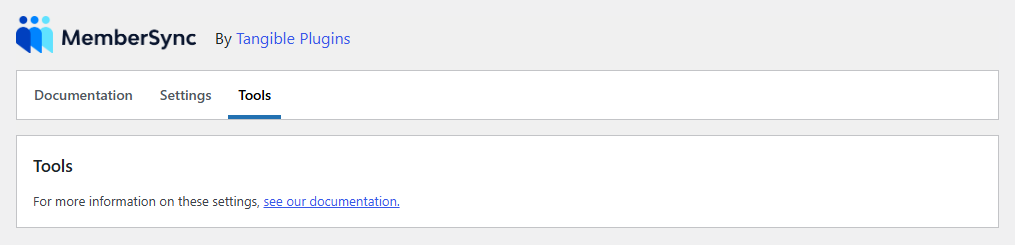
Tools
The Tools tab holds maintenance actions. On the current build it shows only its heading and a link to the documentation. No tools are exposed here yet.