How to Set Up Focus Mode
Setting Up Focus Mode
BeaverDash's Focus Mode integration is an optional feature that replaces LearnDash's built-in focus-mode view with layouts you build in Beaver Themer. It is disabled by default — most sites won't need it.
Requirements
Focus Mode requires all four of the following to be active:
- Beaver Builder
- Beaver Themer — a separate premium add-on for Beaver Builder
- LearnDash 3.0 or later
- The Focus Mode feature toggle enabled (see below)
1. Enable the Feature Toggle
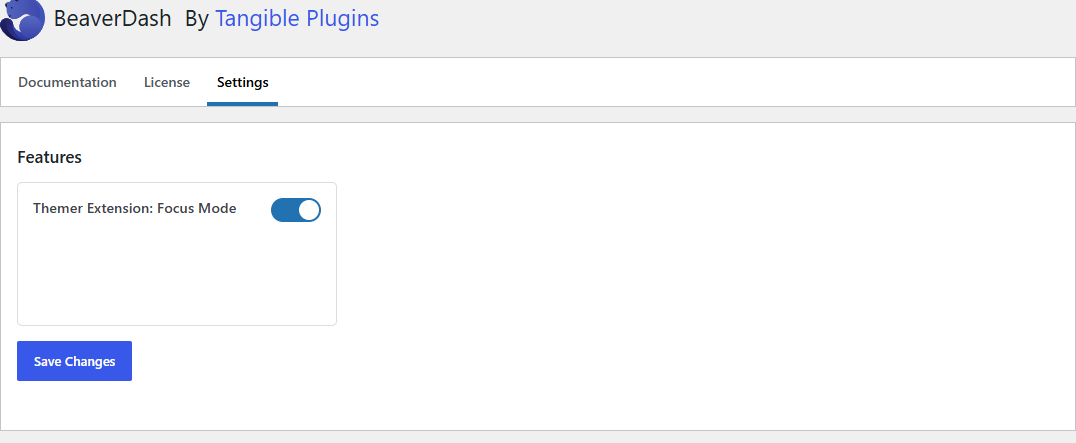
In your WordPress dashboard, go to Settings > BeaverDash and locate the Themer Extension: Focus Mode toggle. Switch it on and save.
2. Create Your Focus Mode Themer Parts
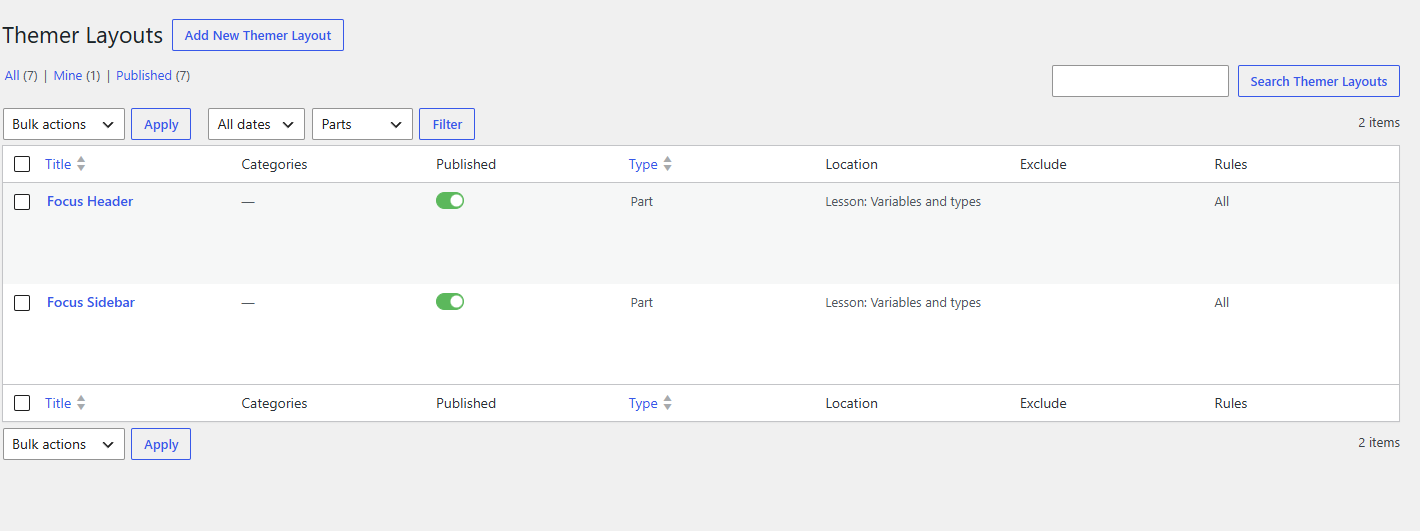
With the toggle on, BeaverDash registers three layout slots in Beaver Themer under a Focus Mode group:
| Slot | What it controls |
|---|---|
| Header | The top bar shown during focus-mode lessons and topics |
| Sidebar | The collapsible course navigation panel |
| Content | The main lesson or topic content area |
Create a Beaver Themer part for each slot. In the Beaver Builder editor, you'll find two modules specifically designed for focus-mode layouts under the Focus Mode module group:
- Sidebar Toggle — a button that opens and closes the focus-mode sidebar
- User Dropdown — displays a greeting and user links in the header area