5.6 The BeaverDash Settings Page
BeaverDash adds a settings page at Settings > BeaverDash in your WordPress admin. This page has three tabs.
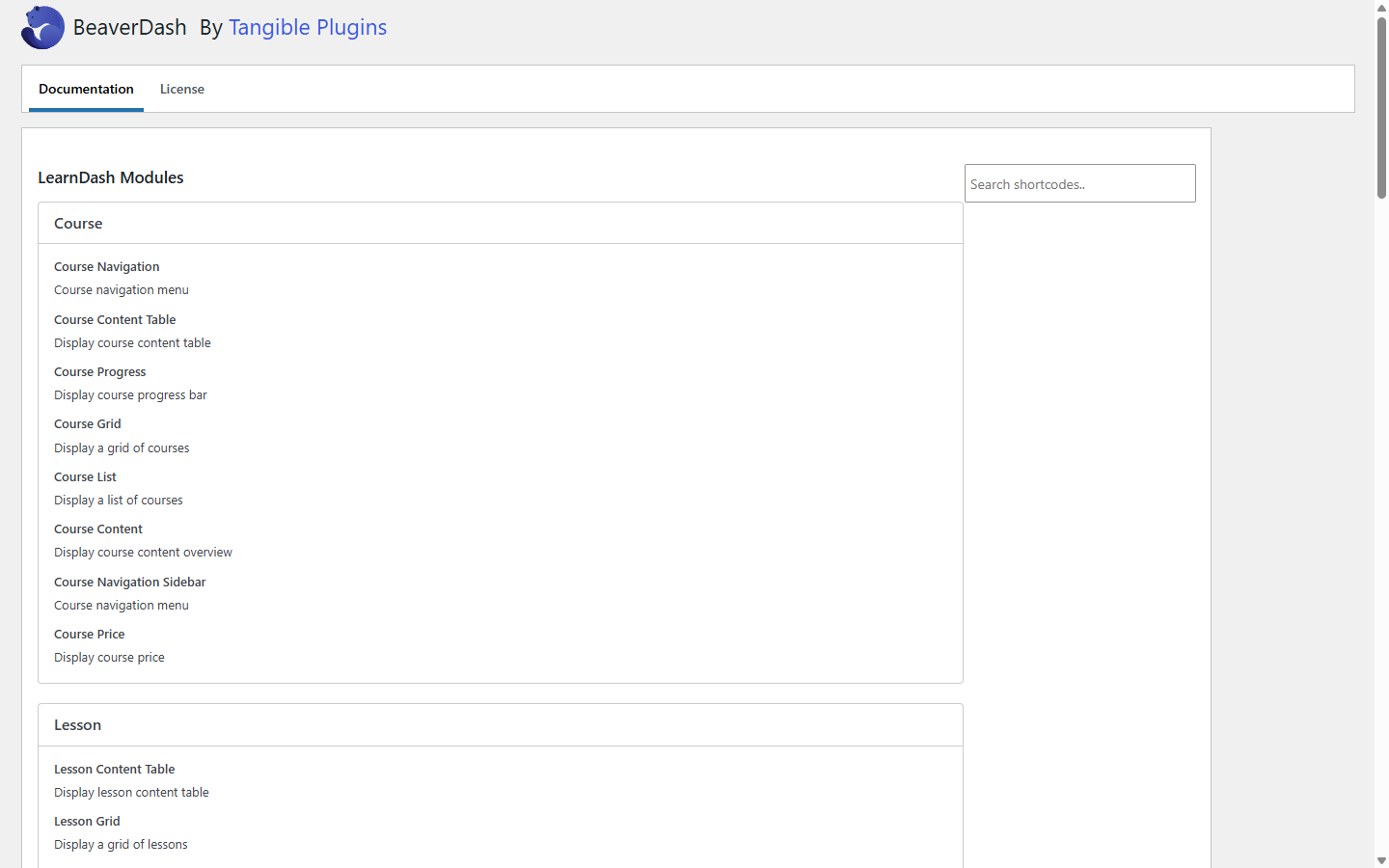
Documentation tab
The Documentation tab is an auto-generated reference listing every module, field connection, and shortcode registered by BeaverDash on your site. It reflects the actual plugin state — if a module or connection does not appear here, it is not registered (for example, LD3+ modules are absent when LearnDash is on an older version).
Use this tab to verify that everything you expect is available before building a template.
License tab
The License tab is where you enter and activate your BeaverDash license key. An active license enables automatic plugin updates. See License Activation for the setup steps.
Feature toggles
Some BeaverDash features are disabled by default and need to be enabled here before they become available. Currently, the only feature toggle is Themer Extension: Focus Mode.
Enabling Focus Mode registers three Beaver Themer layout slots (Header, Sidebar, Content) for use in LearnDash's focus-mode view. The feature is off by default because it requires additional setup — see Setting Up Focus Mode for the full process.