6.1 The Settings Page
This page orients you to where MemberDash and its related screens live in the WordPress admin.
Finding the MemberDash settings
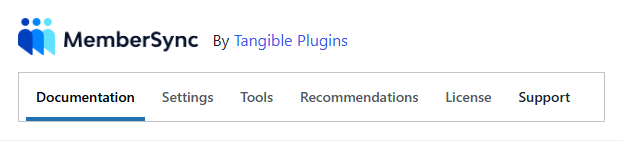
MemberDash's own settings are under Settings → MemberSync (the plugin's internal name is MemberSync). The screen has these tabs:
- Documentation — in-plugin help.
- Settings — plugin options (demoted roles, CSV import behaviour, sync batch size, remove-data-on-uninstall).
- Tools — maintenance actions (recalculate course access, CSV import).
- License / Support — license activation and a diagnostics panel (the Support tab also has a debug log toggle).
info
The Settings tab only renders its options when Teams for WooCommerce Memberships is active. Without it, the tab shows a notice instead.
Where the related screens live
MemberDash works across three plugins, so the day-to-day screens sit under their own menus:
- Membership Plans — WooCommerce → Memberships → Membership Plans. Create plans here; the MemberDash Course Enrolment / Group Enrolment tabs are on each plan (6.2).
- Members — WooCommerce → Memberships → Members. Grant and manage user memberships (6.4).
- Groups — LearnDash LMS → Groups. Associate groups with membership plans.