9.2 Settings
MemberDash's options live under Settings → MemberSync → Settings.
info
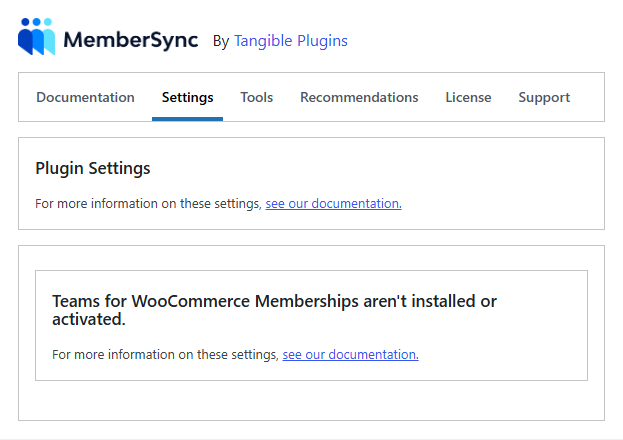
The Settings tab only renders its fields when Teams for WooCommerce Memberships is active. Without the Teams add-on, the tab shows a notice instead, and these options aren't available.
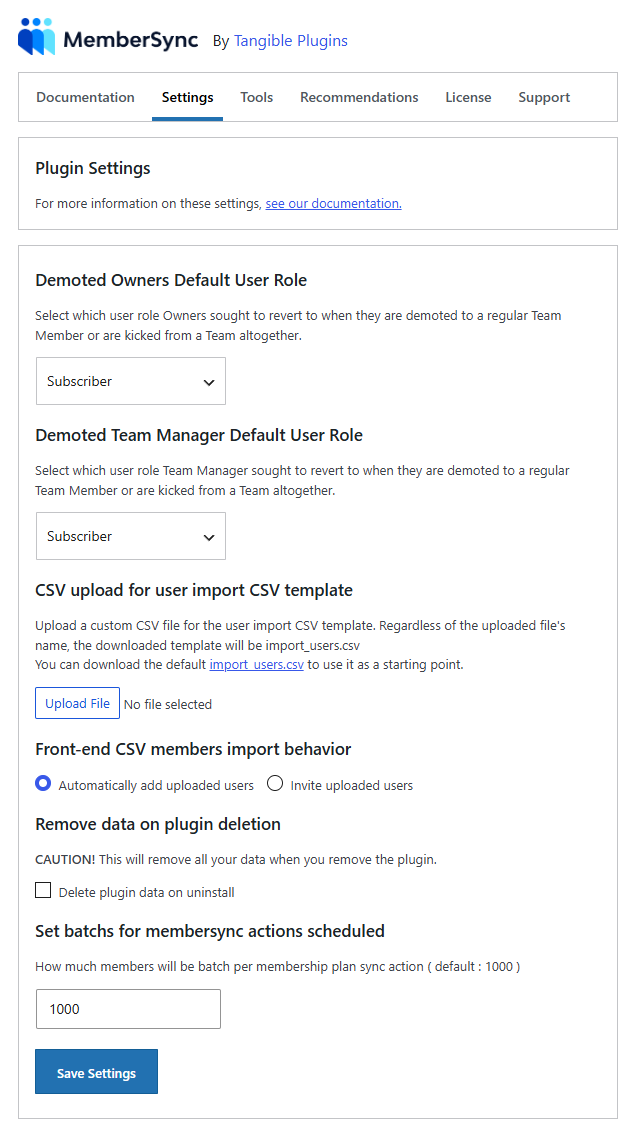
| Setting | What it does |
|---|---|
| Demoted Owners Default User Role | The WordPress role a team owner reverts to when demoted or removed from a team. |
| Demoted Team Manager Default User Role | The role a team manager reverts to when demoted or removed. |
| CSV upload for user import template | Upload a custom CSV template for the member-import tool (a default import_users.csv is provided). |
| Front-end CSV members import behaviour | Whether uploaded users are added automatically or invited. |
| Remove data on plugin deletion | When enabled, uninstalling the plugin deletes its data (options, post meta, and custom tables). Off by default. |
| Membership plan sync batch size | How many members are processed per background batch when a plan's courses change. Default 1000. |
note
The debug log toggle (writes a membersync.log for support) is on the Support tab, not here.