5.5 The Settings Page
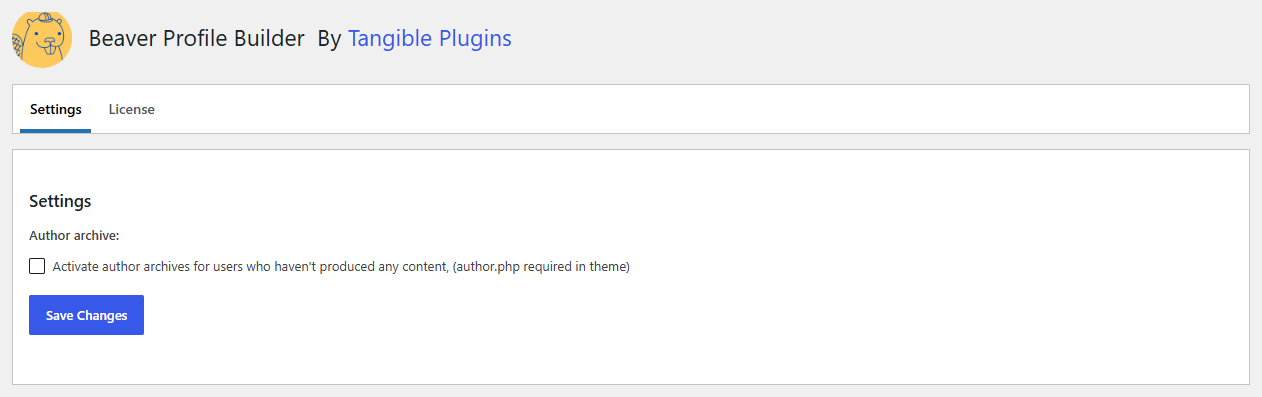
Beaver Profile Builder adds a settings page at Settings > Beaver Profile Builder in your WordPress admin. This page has two tabs.
Settings tab
The Settings tab has one option:
Activate author archives for users who haven't produced any content — By default, WordPress only serves an author archive page for users who have published at least one post; other users' author URLs return a 404. Enable this option to make author archives resolve for every user. This matters when author archive pages double as public profile pages, for example styled with a theme layout.
Your theme must include an author.php template for author archives to render.
License tab
The License tab is where you enter and activate your Beaver Profile Builder license key. An active license enables automatic plugin updates. See License Activation for the setup steps.