5.2 License Activation
Activate your MemberDash license so the plugin can receive updates. You'll need your license key from your Tangible Plugins account.
1. Open the License screen
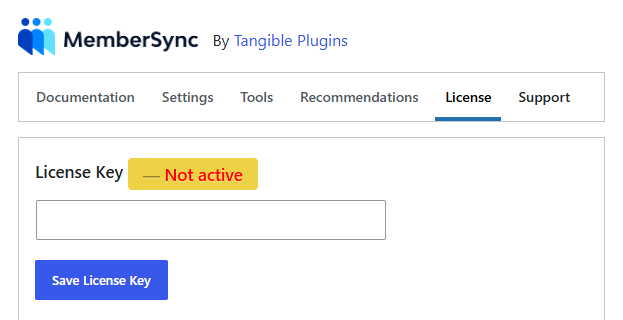
Go to Settings → MemberSync and open the License tab. The status shows Not active until a valid key is saved.
2. Enter and save your license key
Paste your key into the License Key field and click Save License Key.
What you've accomplished
Your license is recorded and the status updates accordingly. Plugin updates are now enabled for this site.