4.1 Installing BeaverDash
Prerequisites
Beaver Builder and LearnDash must be installed and active before installing BeaverDash. See Getting Started with Beaver Builder and Getting Started with LearnDash if you need to set these up first.
1. Download BeaverDash
Log in to your Tangible account and go to the Downloads tab. Download the BeaverDash plugin file.
2. Install the plugin
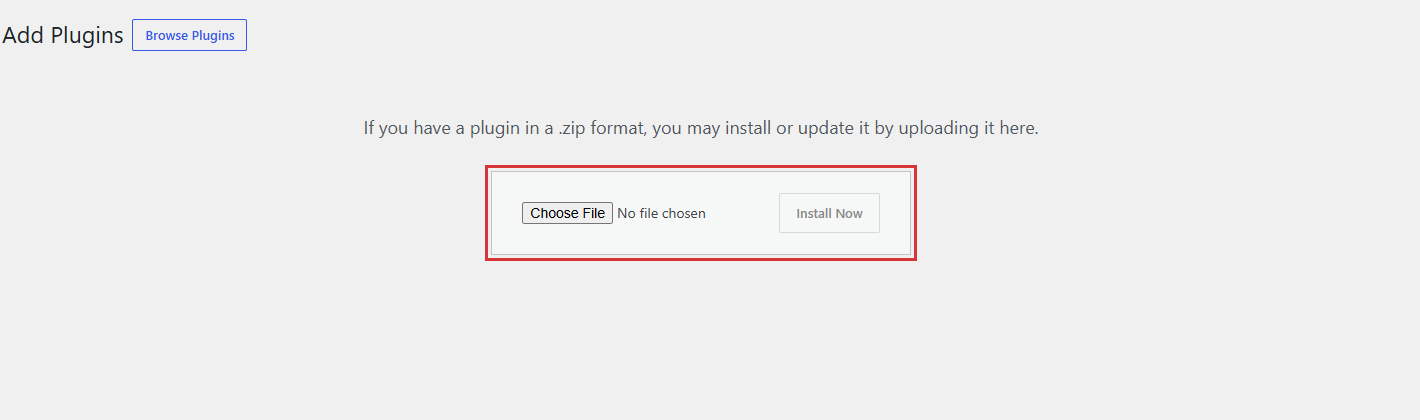
In your WordPress admin, go to Plugins > Add New > Upload Plugin. Choose the file you downloaded and click Install Now.
3. Activate the plugin
Once installation completes, click Activate Plugin. BeaverDash modules now appear in the Beaver Builder module panel under the LearnDash Modules group.
If BeaverDash modules are not appearing
- Confirm Beaver Builder and LearnDash are both installed and active.
- Check for plugin conflicts by temporarily deactivating other plugins and testing again.
- Verify all three plugins are on their latest versions.
Next step
Activate your license key to receive automatic plugin updates: License Activation.