4.1 Installing Tangible Tweaks for LearnDash
Install Tangible Tweaks for LearnDash like any premium WordPress plugin: download the zip from your Tangible account, upload it in the WordPress admin, and activate it.
Make sure LearnDash is installed and activated first. Tangible Tweaks for LearnDash stays dormant without it and shows a dependency notice instead of its settings.
1. Download the plugin
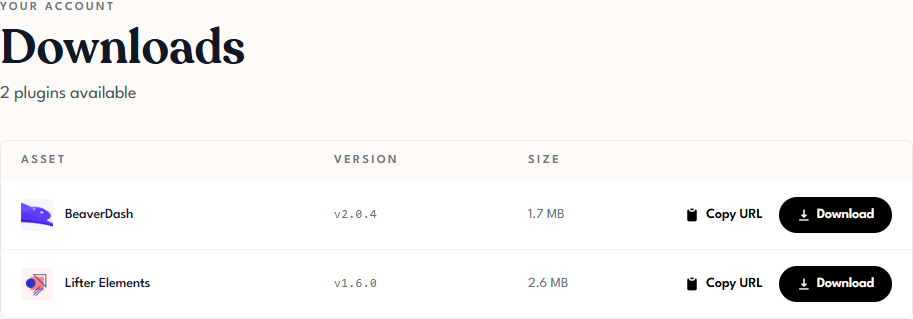
Sign in to Tangible Cloud and click Downloads in the left navigation. Find Tangible Tweaks for LearnDash and download the latest zip file.
2. Upload and install
In your WordPress admin, go to Plugins > Add Plugin and click Upload Plugin. Choose the zip file you downloaded and click Install Now.

3. Activate
Click Activate Plugin when the installation finishes. A Tweaks for LearnDash entry appears under Settings in the admin menu.

All features are disabled after activation. The plugin changes nothing on your site until you enable individual features. See 5.1 The Settings Page.
Next step
Activate your license so the plugin receives updates: 4.2 License Activation.