4.1 Installing LearnDash Materials Extended
Install LearnDash Materials Extended like any premium WordPress plugin: download the zip from your Tangible account, upload it in the WordPress admin, and activate it.
Make sure LearnDash is installed and activated first. LearnDash Materials Extended extends LearnDash's Materials field and has nothing to attach to without it.
1. Download the plugin
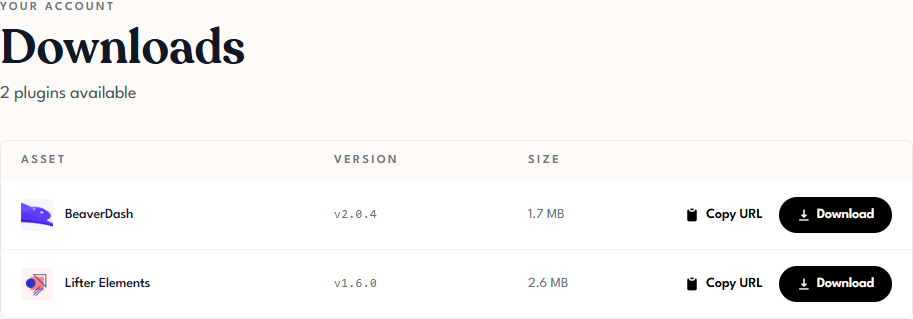
Sign in to Tangible Cloud and click Downloads in the left navigation. Find LearnDash Materials Extended and download the latest zip file.
2. Upload and install
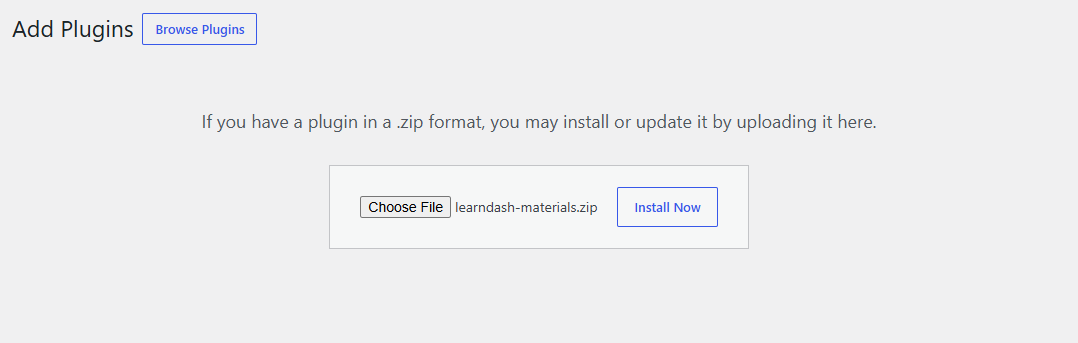
In your WordPress admin, go to Plugins > Add Plugin and click Upload Plugin. Choose the zip file you downloaded and click Install Now.
3. Activate
Click Activate Plugin when the installation finishes. A Learndash Materials entry appears under Settings in the admin menu.

Activation changes nothing on your site's pages by itself. The plugin's controls appear on each course, lesson, topic, and quiz's Settings tab, and its list only renders where you insert the shortcode. See 5.1 Adding Materials to a Lesson.
Next step
Activate your license so the plugin receives updates: 4.2 License Activation.